Hide Funimation UI par Palle
Hide/unhide Funimation video UI with 'z' and use up/down arrow keys or PgUp/PgDown keys to seek 1 second back/forward
311 utilisateurs·trices311 utilisateurs·trices
Métadonnées de l’extension
Captures d’écran
À propos de cette extension
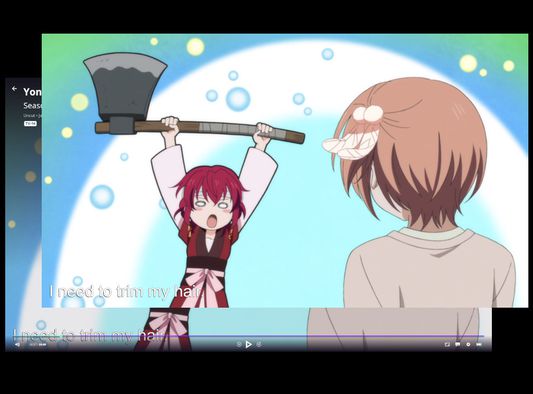
The Funimation video UI does not hide itself when paused.
With this browser extension active, when watching a Funimation video, you can:
- Press 'z' to hide the video UI
- Use the up and down arrow keys or PgUp and PgDown to seek back and forward in 1 second increments. This has changed in version 2 to avoid conflicts with native controls in the new Funimation player.
With this browser extension active, when watching a Funimation video, you can:
- Press 'z' to hide the video UI
- Use the up and down arrow keys or PgUp and PgDown to seek back and forward in 1 second increments. This has changed in version 2 to avoid conflicts with native controls in the new Funimation player.
Noté 5 par 10 personnes
Autorisations et données
Plus d’informations
- Version
- 2.0
- Taille
- 16,44 Ko
- Dernière mise à jour
- il y a 5 ans (7 oct. 2021)
- Catégories associées
- Licence
- Licence MIT
- Historique des versions
- Ajouter à la collection