Screenshots for Jira par Yiraphic
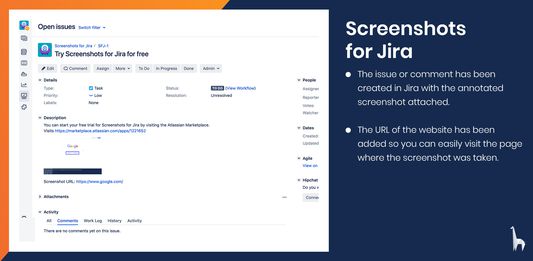
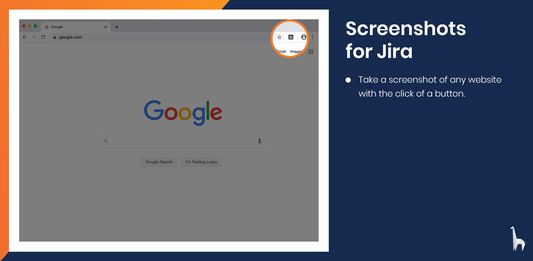
Take a screenshot, annotate it and upload directly to Jira.
Certaines fonctionnalités peuvent être payantesCertaines fonctionnalités peuvent être payantes
7 utilisateurs·trices7 utilisateurs·trices
Métadonnées de l’extension
Captures d’écran
À propos de cette extension
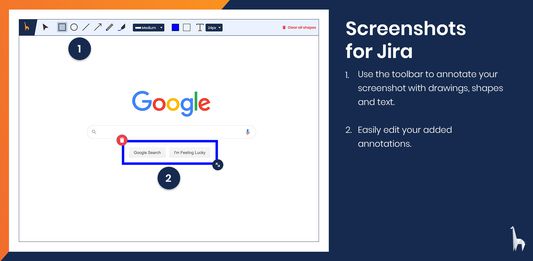
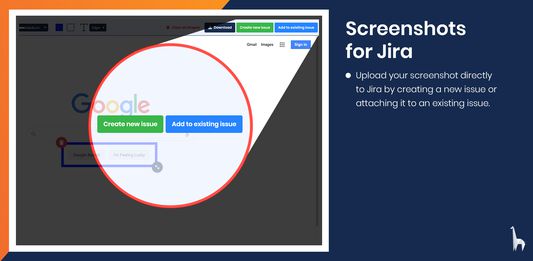
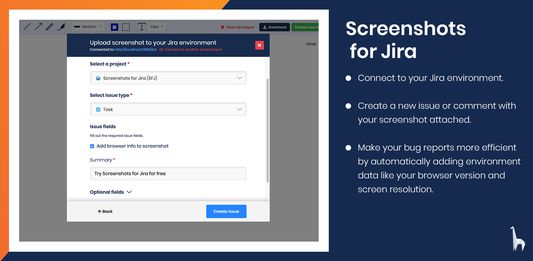
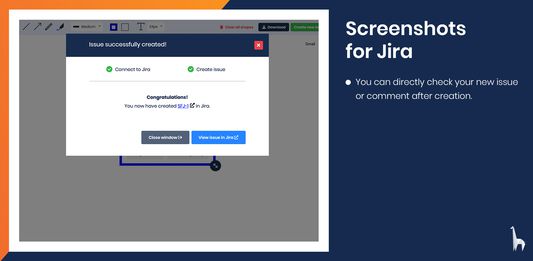
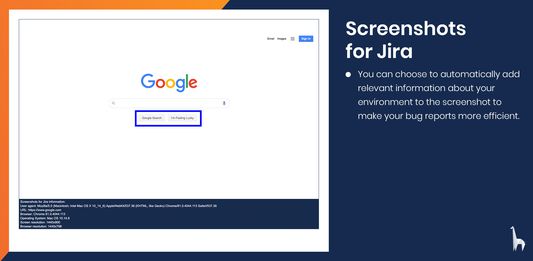
With Screenshots for Jira you can easily take screenshots from any website and annotate them with text, shapes and drawings. You can then directly create a new issue or add a comment to an existing issue in your Jira Software Server. You can choose to automatically include information about your environment, like your browser version or screen resolution, to increase the efficiency of your bug reports.
Taking screenshots and annotating them is completely free. To connect to Jira, you will also need to install the Screenshots for Jira app on your Jira Software Server. Start you free trial on the Atlassian Marketplace.
Noté 0 par 1 personne
Autorisations et données
Autorisations nécessaires :
- Ajouter des données dans le presse-papiers
- Accéder à vos données pour tous les sites web
Plus d’informations
- Liens du module
- Version
- 1.0.5
- Taille
- 6,48 Mo
- Dernière mise à jour
- il y a 6 ans (24 avr. 2020)
- Catégories associées
- Licence
- Tous droits réservés
- Politique de confidentialité
- Lire la politique de confidentialité de ce module
- Historique des versions
- Ajouter à la collection