Media Reload troch losnappas
Ever had a video stuck buffering no matter what, forcing you to reload the entire tab? No more.
103 brûkers103 brûkers
Metadata útwreiding
Skermôfbyldingen
Oer dizze útwreiding
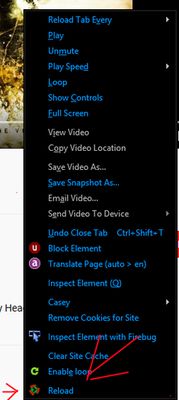
If you're using the "click" method, you might need to first use "Hide controls" located in the context menu (mouse2 on video). This is due to a Firefox bug/feature.
Double click to reload all media elements.
Refresh audio, images, and video.
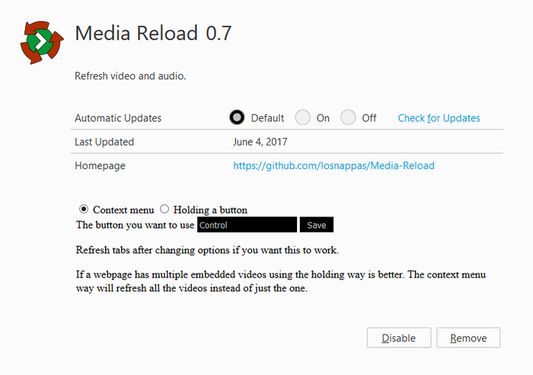
2 options:
-Context menu
-Click
--after clicking the browser action (aka the button on the toolbar) click on the element you'd like to refresh.
Double click to reload all media elements.
Refresh audio, images, and video.
2 options:
-Context menu
-Click
--after clicking the browser action (aka the button on the toolbar) click on the element you'd like to refresh.
Wurdearre: 4,5 troch 2 beoardielers
Mear ynformaasje
- Add-on-keppelingen
- Ferzje
- 4.1resigned1
- Grutte
- 24,38 KB
- Lêst bywurke
- 2 jierren lyn (25 apr. 2024)
- Sibbe kategoryen
- Lisinsje
- Mozilla Public License 2.0
- Ferzjeskiednis
- Tafoegje oan kolleksje
Works by setting media.currentSource to '', then setting it back to what it was.
Context menu is not supported by android and the hold method is also useless on it? I don't own an android so suggestions/experiences welcome.