
MindYourPass troch MindYourPass on-the-fly password generator
MindYourPass makes authentication safe and easy.
46 brûkers46 brûkers
Metadata útwreiding
Skermôfbyldingen
Oer dizze útwreiding
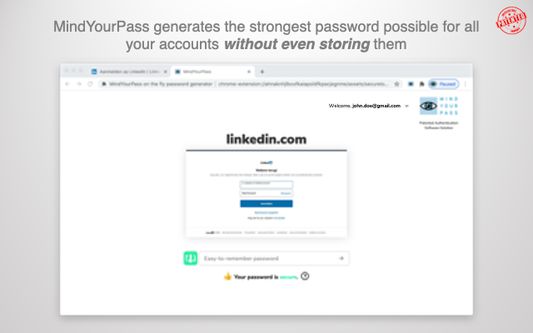
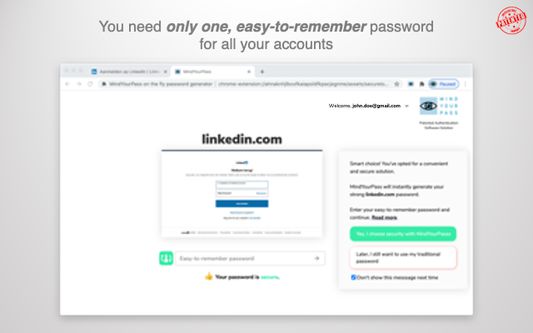
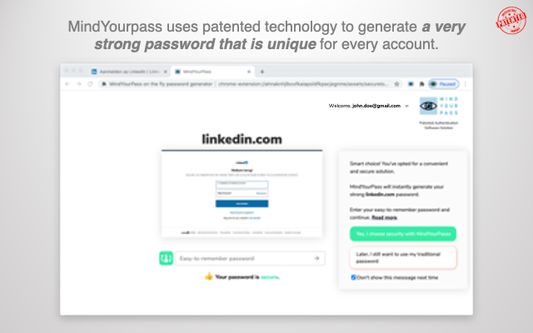
The MindYourPass on-the-fly password generator is a patented password generator, that generates unique, strong passwords, based on an easy to remember password. These passwords are always regenerated when they are needed, thus eliminating the need to store the password, so there is no password database to be breached or leaked. You can use the same easy-to-remember password for all your accounts, eliminating the need for you to create and remember distinct passwords for all your accounts.
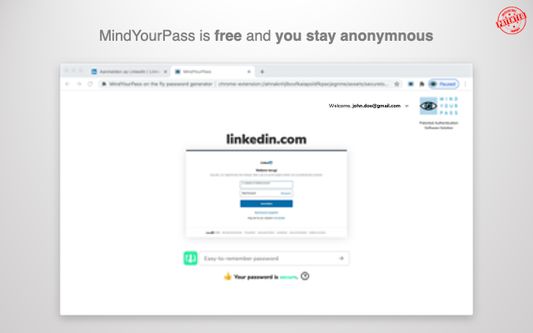
MindYourPass is designed according to the "privacy by design" and "security by design" concepts. As a result, MindYourPass does not store personally identifiable information: it does not store your passwords but also your email address is not stored.
After registration with your email address and a "master" password, you can start using the MindYourPass on-the-fly password generator (also for registration, your password and your email address are not stored). Each time you sign into a site, the password generator is used to generate the password for your account. This involves the following steps:
1) On the sign in form of the site you enter your user name
2) When you navigate to the password field, the MindYourPass password generator opens a dedicated tab
3) If you haven't already done so, you sign into MindYourPass with your email address and your "master" password for MindYourPass
4) Then, on the main screen of MindYourPass, you enter your single "easy-to-remember" password and press Enter. This will instruct the generator to generate a password for you
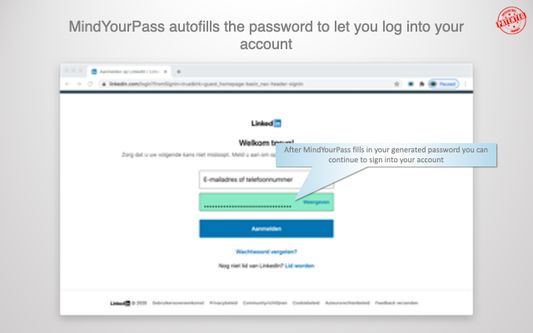
5) MindYourPass autofills the generated password in the password field of the sign in form of the site
6) The user presses enter to sign into his account
In order to start using an on-the-fly password on one of your existing accounts, you have to reset the corresponding password once and replace it with an on-the-fly generated password.
MindYourPass is designed according to the "privacy by design" and "security by design" concepts. As a result, MindYourPass does not store personally identifiable information: it does not store your passwords but also your email address is not stored.
After registration with your email address and a "master" password, you can start using the MindYourPass on-the-fly password generator (also for registration, your password and your email address are not stored). Each time you sign into a site, the password generator is used to generate the password for your account. This involves the following steps:
1) On the sign in form of the site you enter your user name
2) When you navigate to the password field, the MindYourPass password generator opens a dedicated tab
3) If you haven't already done so, you sign into MindYourPass with your email address and your "master" password for MindYourPass
4) Then, on the main screen of MindYourPass, you enter your single "easy-to-remember" password and press Enter. This will instruct the generator to generate a password for you
5) MindYourPass autofills the generated password in the password field of the sign in form of the site
6) The user presses enter to sign into his account
In order to start using an on-the-fly password on one of your existing accounts, you have to reset the corresponding password once and replace it with an on-the-fly generated password.
Wurdearre: 0 troch 0 beoardielers
Tastimmingen en gegevens
Fereaske machtigingen:
- Privacyynstellingen lêze en oanpasse
- Browserljepblêden benaderje
- Browseraktiviteit wylst navigearjen benaderje
- Jo gegevens foar alle websites benaderje
Mear ynformaasje
- Add-on-keppelingen
- Ferzje
- 5.20.0
- Grutte
- 5,39 MB
- Lêst bywurke
- 6 dagen lyn (1 apr. 2026)
- Sibbe kategoryen
- Lisinsje
- Alle rjochten foarbehâlden
- Privacybelied
- It privacybelied foar dizze add-on lêze
- Einbrûkerslisinsjeoerienkomst
- De lisinsjeoerienkomst foar dizze add-on lêze
- Ferzjeskiednis
- Tafoegje oan kolleksje