
YouTube Screenshot Button troch Serafim
Quickly extract video frames from YouTube and save to JPG images with just one click.
335 brûkers335 brûkers
Metadata útwreiding
Skermôfbyldingen
Oer dizze útwreiding
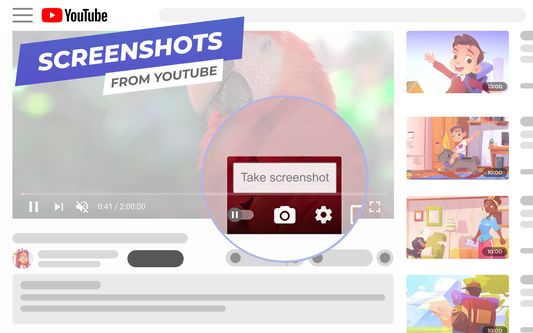
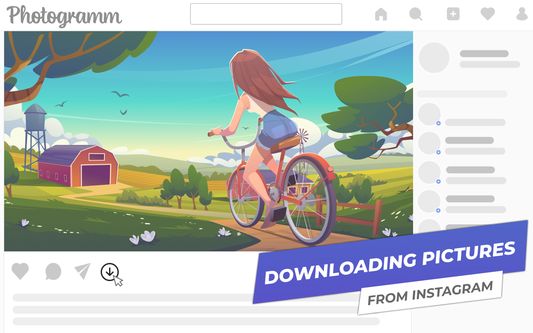
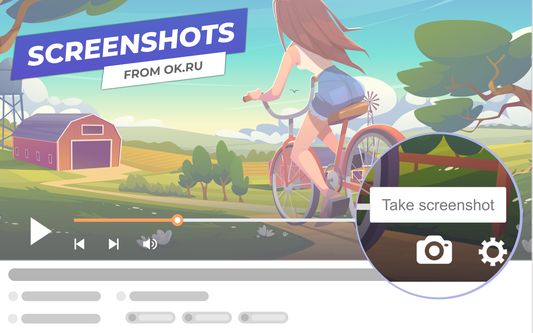
YouTube Screenshot Button is a modern browser extension that allows you to take and save high-quality screenshots from any YouTube and OK.ru video to your PC with just one click. Without using third-party programs, without cropping the video player frames. Fast, easy and safe, without viruses and ads.
To take a screenshot just click on the camera image at the bottom of the online video player.
Features of the browser extension:
To take a screenshot just click on the camera image at the bottom of the online video player.
Features of the browser extension:
- The screenshot button, perfectly integrated into the interface of the YouTube and OK.ru player, allows you to take snapshots without stopping the playback;
- The frame is saved without video player frames in the highest possible quality in jpeg format;
- The screenshot gets the original name of the video, as it was on the service's website. That means it is always easy to be found;
- "Embedded" video screenshots loading support, i.e. YouTube and OK.ru videos hosted on third-party sites.
Wurdearre: 5 troch 44 beoardielers
Tastimmingen en gegevens
Mear ynformaasje
- Add-on-keppelingen
- Ferzje
- 0.7.69.0
- Grutte
- 360,46 KB
- Lêst bywurke
- 2 moannen lyn (9 feb. 2026)
- Sibbe kategoryen
- Lisinsje
- Mozilla Public License 2.0
- Ferzjeskiednis
- Tafoegje oan kolleksje