
Article Word Counter by Nimtools.com 제작자: Nimtools
A lite tool for counting characters of an article automatically by Nimtools.com
사용자 1명사용자 1명
확장 메타 데이터
스크린샷


정보
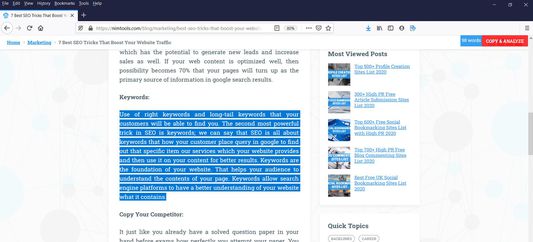
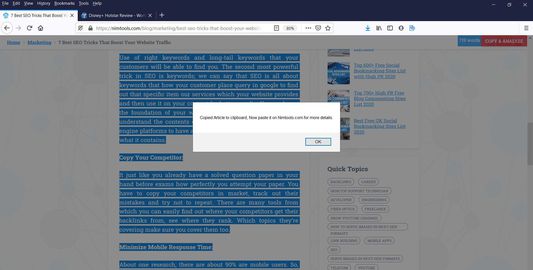
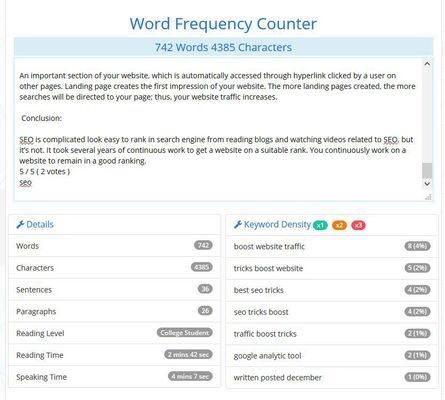
This tool is created to solve the problem of a blogger and article writer who have to check other blogs' articles and their word count for reference again and again. It will save lot of time and help article writer to know how much he/she should write their article.
Why I created this Article Word Counter Addon?
One of my blogger friend from https://techniblogic.com, usually do keyword research manually by typing the keyword in google search and check other article average length. But he copy all the article in MS Word and check its total words. This takes lot of time and very difficult to do for all top 10 pages.
How this Article Word Counter addon will save your time?
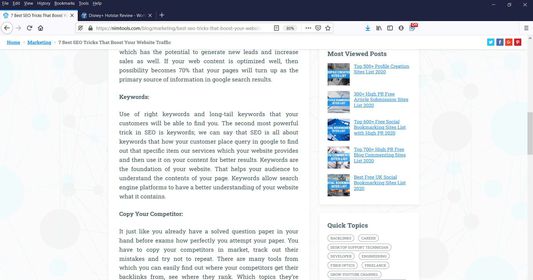
As many of the websites followers the google standard structure of article posting on their website. I fetch that structure automatically and show the approx word count of the article. If sometimes your website does not use that structure, you can just select the word and this addon will show your number of characters at realtime. So this will work either way.
Hope you understand about this addon, for deep understand you must install it and try it yourself. It is 100% Free and Safe. No data exchange has been done and it is 100% Secure.
Why I created this Article Word Counter Addon?
One of my blogger friend from https://techniblogic.com, usually do keyword research manually by typing the keyword in google search and check other article average length. But he copy all the article in MS Word and check its total words. This takes lot of time and very difficult to do for all top 10 pages.
How this Article Word Counter addon will save your time?
As many of the websites followers the google standard structure of article posting on their website. I fetch that structure automatically and show the approx word count of the article. If sometimes your website does not use that structure, you can just select the word and this addon will show your number of characters at realtime. So this will work either way.
Hope you understand about this addon, for deep understand you must install it and try it yourself. It is 100% Free and Safe. No data exchange has been done and it is 100% Secure.
리뷰어 2명이 3점으로 평가함
권한 및 데이터
추가 정보
- 부가 기능 링크
- 버전
- 1.0
- 크기
- 26.44 KB
- 마지막 업데이트
- 6년 전 (2020년 4월 20일)
- 관련 카테고리
- 라이선스
- All Rights Reserved
- 버전 목록
- 모음집에 추가