Clone in VS Code 제작자: Ahnaf Mahmud
Clone any GitHub, GitLab or Bitbucket repository in Visual Studio Code
사용자 20명사용자 20명
확장 메타 데이터
스크린샷
정보
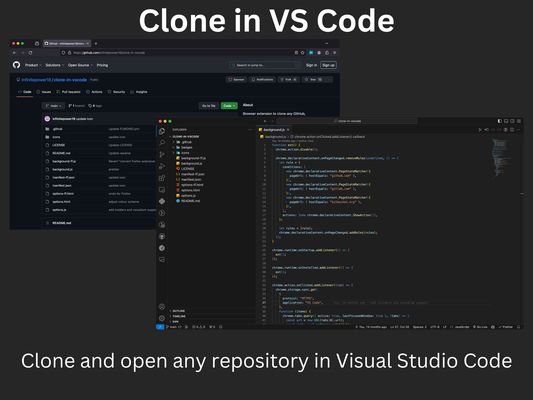
A browser extension to clone any GitHub, GitLab or Bitbucket repository in Visual Studio Code with just one click.
All you need is Visual Studio Code installed on your system for this extension to work. Then just click the extension on any GitHub, GitLab or Bitbucket repo and it will open VS Code where it will take you through the rest of the cloning process.
The extension also supports other variations of VS Code such as VSCodium and Cursor. You can change which application the extension opens via the options page.
All you need is Visual Studio Code installed on your system for this extension to work. Then just click the extension on any GitHub, GitLab or Bitbucket repo and it will open VS Code where it will take you through the rest of the cloning process.
The extension also supports other variations of VS Code such as VSCodium and Cursor. You can change which application the extension opens via the options page.
1명이 5점으로 평가함
권한 및 데이터
추가 정보
- 부가 기능 링크
- 버전
- 1.4.0
- 크기
- 22.29 KB
- 마지막 업데이트
- 일 년 전 (2024년 12월 8일)
- 관련 카테고리
- 라이선스
- MIT 라이선스
- 개인정보처리방침
- 이 부가 기능에 대한 개인정보처리방침 읽기
- 버전 목록
- 모음집에 추가