Custom Characters 제작자: Michael Talbot
Define up to 20 custom characters from Unicode for quick and easy input.
사용자 20명사용자 20명
확장 메타 데이터
스크린샷
정보
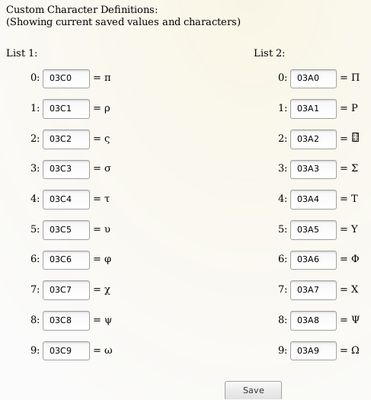
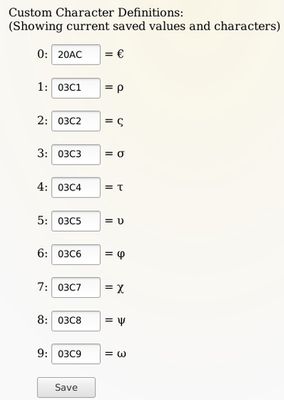
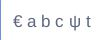
This extension allows you to choose up to 20 characters from Unicode for quick input in 2 separate lists.
Known Issue: Custom Characters does not work properly where the INPUT field type is EMAIL.
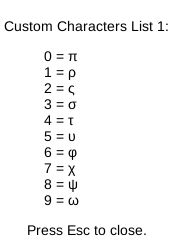
- To trigger the first list type Ctrl . (That is: Ctrl + period, Ctrl + dot, Ctrl + full stop or Ctrl + whatever you call the full stop).
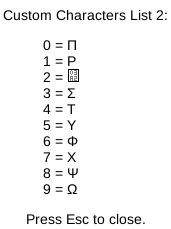
- To trigger the second list type Ctrl , (That is: Ctrl + comma).
- To close the list hit the Escape key.
- Type the number from 0 to 9 that corresponds to the character you want to input.
- You can keep typing other letters while this extension is active but the numbers 0-9 are not available.
- You can change the definitions whenever you want, just remember to click on the "Save" button when you're finished.
Known Issue: Custom Characters does not work properly where the INPUT field type is EMAIL.
4명이 3점으로 평가함
권한 및 데이터
추가 정보
- 부가 기능 링크
- 버전
- 3.0
- 크기
- 27.92 KB
- 마지막 업데이트
- 4년 전 (2022년 2월 9일)
- 관련 카테고리
- 버전 목록
- 모음집에 추가