
Fancy Bookmarks Page 제작자: Justin von Rosenberg
Adds a user customizable, decorative full page viewer for bookmarks
확장 메타 데이터
스크린샷
정보
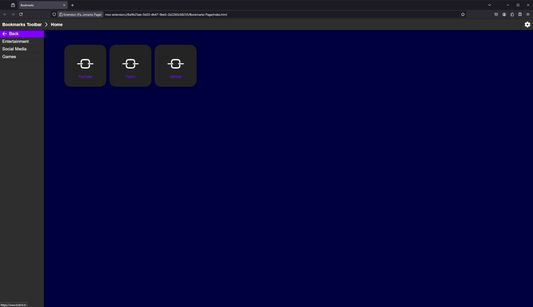
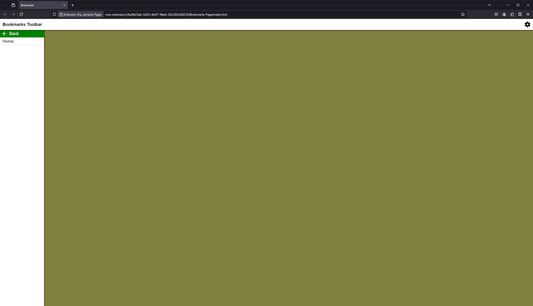
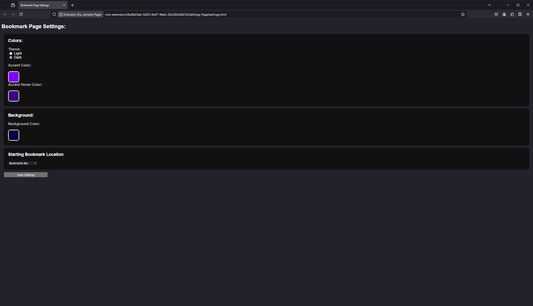
Fancy Bookmarks Page adds the ability to browse bookmarks using a UI contained within a full webpage. This allows you to set the bookmarks page as an alternate browser homepage if desired as well as customize its color scheme with a settings page.
How to Use:
How to set Bookmarks Page as browser home page:
Permissions:
How to Use:
- Click on the extension in the extensions menu or click on its pinned toolbar button to open the bookmarks page.
- In order to change settings, click the gear on the bookmarks page or open the settings page through the extension preferences.
How to set Bookmarks Page as browser home page:
- Open the bookmarks page and close all other tabs
- Open Firefox settings and go to "Home"
- Select "Custom URLs" for Homepage and new windows
- Click "Use Current Page"
Permissions:
- Read bookmarks and bookmark folders
- Store settings in browser sync storage
리뷰어 0명이 0점으로 평가함
권한 및 데이터
추가 정보
- 부가 기능 링크
- 버전
- 1.0
- 크기
- 28.54 KB
- 마지막 업데이트
- 2년 전 (2024년 7월 8일)
- 버전 목록
- 모음집에 추가