Hide Funimation UI 제작자: Palle
Hide/unhide Funimation video UI with 'z' and use up/down arrow keys or PgUp/PgDown keys to seek 1 second back/forward
사용자 311명사용자 311명
확장 메타 데이터
스크린샷
정보
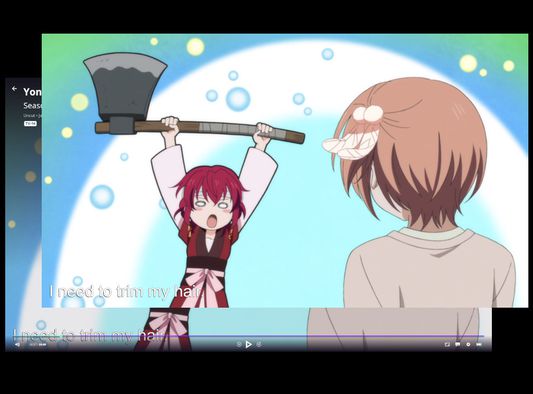
The Funimation video UI does not hide itself when paused.
With this browser extension active, when watching a Funimation video, you can:
- Press 'z' to hide the video UI
- Use the up and down arrow keys or PgUp and PgDown to seek back and forward in 1 second increments. This has changed in version 2 to avoid conflicts with native controls in the new Funimation player.
With this browser extension active, when watching a Funimation video, you can:
- Press 'z' to hide the video UI
- Use the up and down arrow keys or PgUp and PgDown to seek back and forward in 1 second increments. This has changed in version 2 to avoid conflicts with native controls in the new Funimation player.
리뷰어 10명이 5점으로 평가함
권한 및 데이터
추가 정보