
Image Extractor 제작자: 8columns
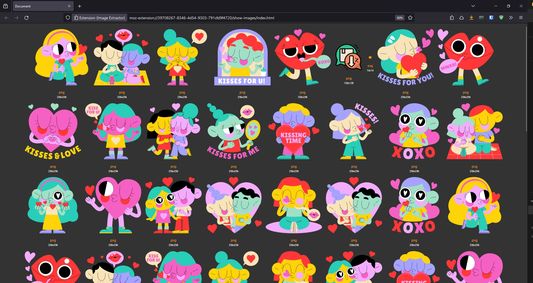
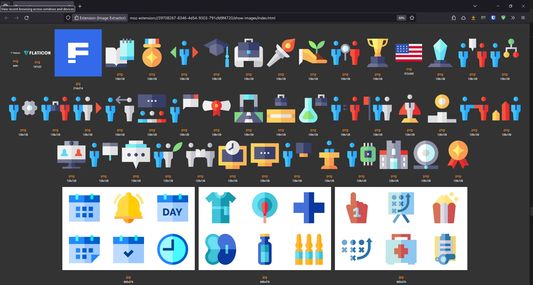
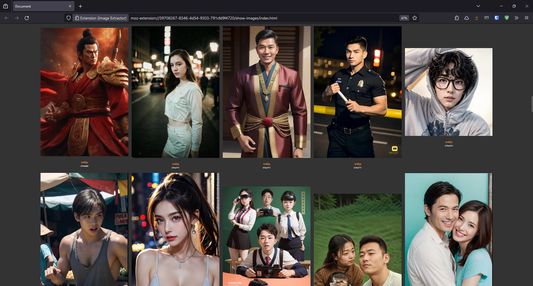
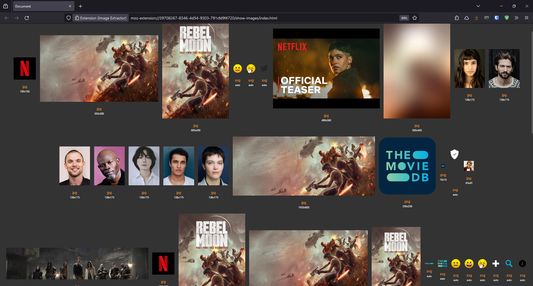
Extract all images and show in new tab
사용자 359명사용자 359명
확장 메타 데이터
스크린샷
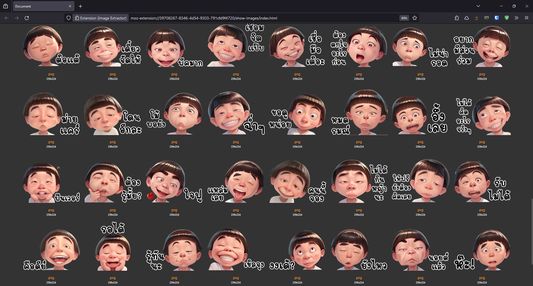
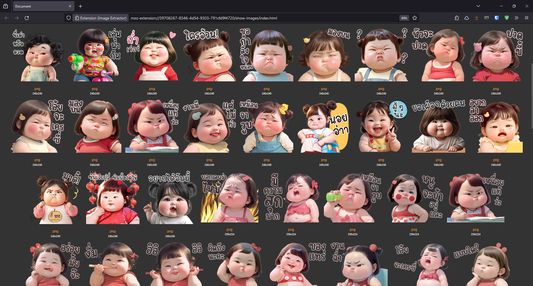
정보
This extension help extract all images and show in new tab. It uses request interception technique to find images on any web page. When the browser initiate request, this extension will grab image's URL. All image's URL will pass through the validation process to make sure that it is valid and can load correctly.
Any image's width less than 5 pixels are ignored, because most of the time they are used for tracking purpose. The request interception technique used in this extension is very robust because it can extract more images than any other solution, even in difficult scenarios. For example, images that inside HTML5 canvas, images in CSS background, images that dynamic created with JavaScript.
If you find the number of images on the top of action button is too low, try re-load the page using SHIFT + F5. This will force the browser to re-initiate the request again (without fetching from cache) so the extension can grab the image's URL properly.
Any image's width less than 5 pixels are ignored, because most of the time they are used for tracking purpose. The request interception technique used in this extension is very robust because it can extract more images than any other solution, even in difficult scenarios. For example, images that inside HTML5 canvas, images in CSS background, images that dynamic created with JavaScript.
If you find the number of images on the top of action button is too low, try re-load the page using SHIFT + F5. This will force the browser to re-initiate the request again (without fetching from cache) so the extension can grab the image's URL properly.
리뷰어 2명이 4점으로 평가함
권한 및 데이터
추가 정보
- 부가 기능 링크
- 버전
- 1.0.21
- 크기
- 22.25 KB
- 마지막 업데이트
- 2년 전 (2024년 4월 29일)
- 관련 카테고리
- 버전 목록
- 모음집에 추가
Request interception technique in the latest version is very robust. It works by intercept all request and grab the image's URL. This technique can find more images that using TAG scanning, even in difficult scenarios. For example, images reside in Canvas, images put in CSS background, images dynamic created by JavaScript.
Because browser caching mechanism, you may find that the number of images showing on top of the action button is too low. In that case, please try reload the page using SHIFT + F5 to make the browser re-initiate the request again without fetching from cached.