OpenLink Data Explorer 제작자: OpenLink Software Inc
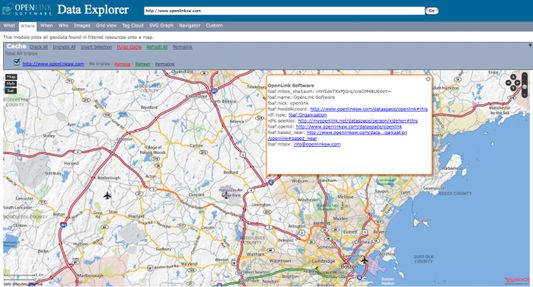
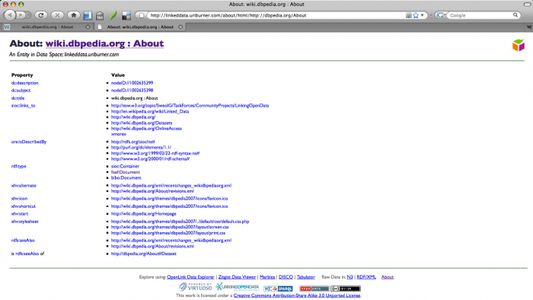
A tool for generating structured descriptor documents for HTTP accessible resources. HTML+RDFa based Linked Data is the default Descriptor Document format. Other formats are available via page hosted links or content negotiation.
확장 메타 데이터
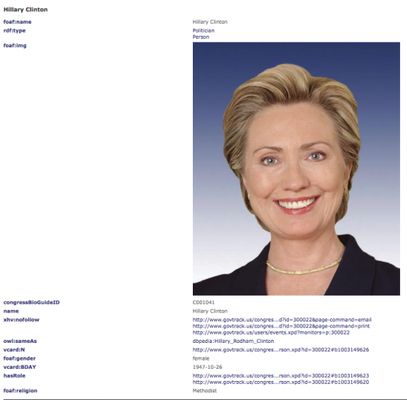
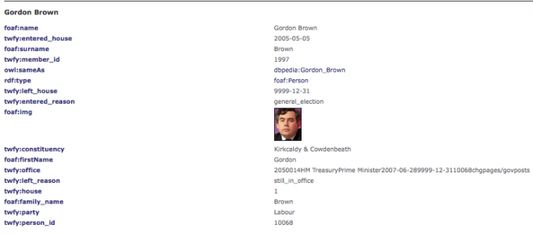
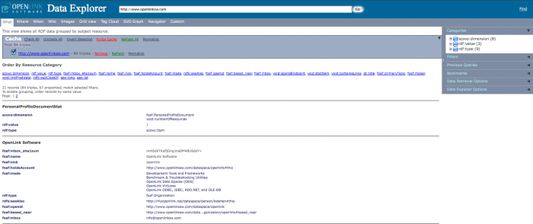
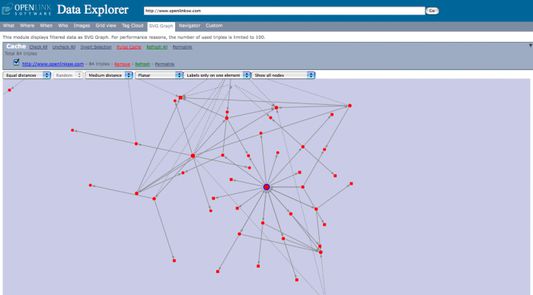
스크린샷
정보
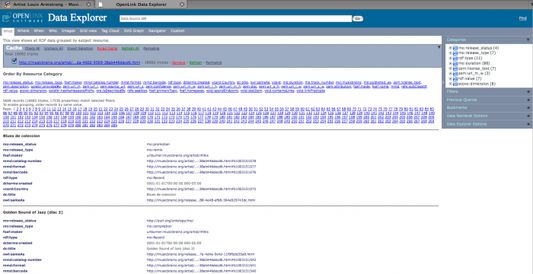
The OpenLink Data Explorer (ODE) extension provides an unobtrusive and non-disruptive mechanism by which to exploit the Linked Data dimension of the World Wide Web. It achieves this by adding two "descriptor document"-oriented menu options to the standard "View" menu items:
ODE delivers these capabilities through interaction with REST-based Linked Data Proxy services, such as:
In the first three cases, the RDFizer services are delivered by the Virtuoso Sponger, a middleware layer built in to all Virtuoso Editions. Distillation of structured descriptions from any Web resource into RDF is enabled by a broad collection of "Sponger Cartridges," available for all Virtuoso instances.
Additional Information Links
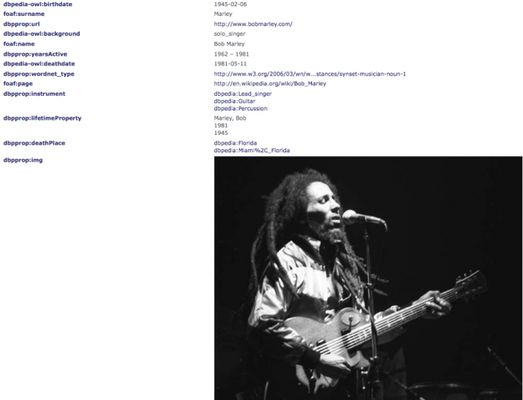
- View Page Description -- which provides a structured description (metadata) of the page you are viewing
- View Page Data Sources -- a Linked Data explorer that provides a variety of presentations for the Linked Data Items that constitute the metadata graph distilled from the page you are viewing.
ODE delivers these capabilities through interaction with REST-based Linked Data Proxy services, such as:
- the URIBurner.com Public RDFizer Service (default)
- the OpenLink-hosted Linked Open Data (LOD) Cloud Cache
- Your own Personal or Shared Instance of Virtuoso and/or OpenLink Data Spaces (ODS)
- the Triplr.org RDFizer service
In the first three cases, the RDFizer services are delivered by the Virtuoso Sponger, a middleware layer built in to all Virtuoso Editions. Distillation of structured descriptions from any Web resource into RDF is enabled by a broad collection of "Sponger Cartridges," available for all Virtuoso instances.
Additional Information Links
0명이 0점으로 평가함
권한 및 데이터
추가 정보
- 부가 기능 링크
- 버전
- 2.5.3
- 크기
- 943.84 KB
- 마지막 업데이트
- 4년 전 (2022년 7월 20일)
- 관련 카테고리
- 개인정보처리방침
- 이 부가 기능에 대한 개인정보처리방침 읽기
- 사용자 라이선스 동의서
- 이 부가 기능에 대한 사용권 계약 읽기
- 버전 목록
- 모음집에 추가
Note:
If Firefox gives you an error message like --
-- Firefox may be set to disallow third party cookies. To accept the third party cookies and resolve this error, go to Tools -> Options -> Privacy and tick Accept third party cookies.