Sidebar Notepad 제작자: Moris Papasmadov
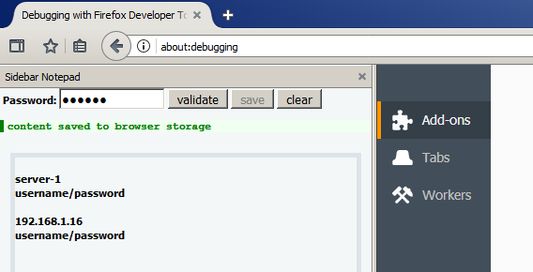
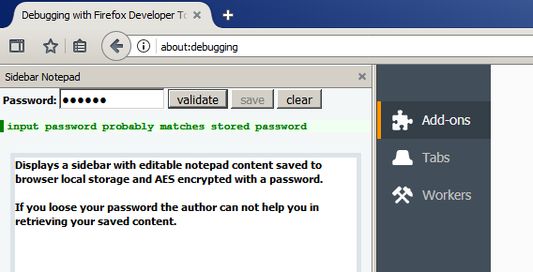
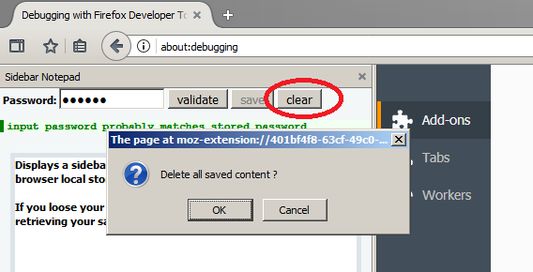
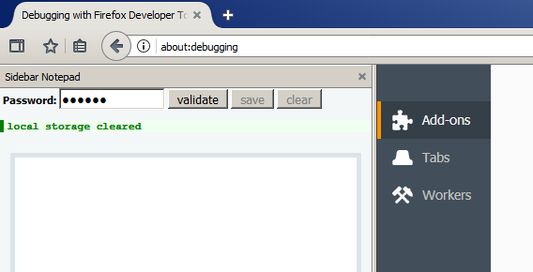
Displays a sidebar with editable notepad content saved to browser local storage and AES encrypted with a password.
사용자 75명사용자 75명
확장 메타 데이터
스크린샷
정보
Content is AES encrypted with your chosen password (using Crypto-JS library) and saved in browser local storage.
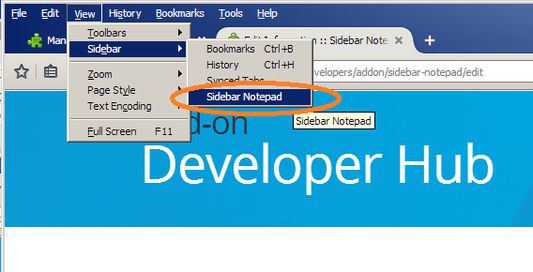
Keyboard shortcut to open sidebar Ctrl + Shift + Z
If you loose your password the add-on author is not able to help you in decrypting your saved content, dont loose your password.
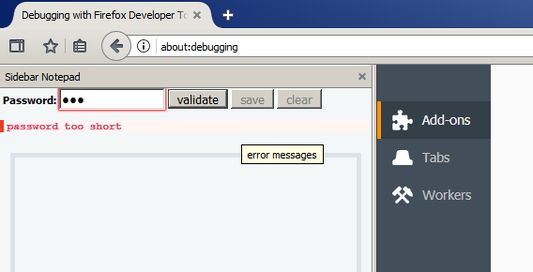
Saving an empty notepad content will result in an error, since this might compromise the password, impatient first time users trying to save empty content fail and give this add-on worse reviews than it deserves.
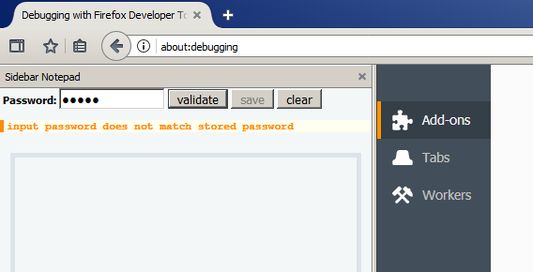
To strenghten confidentiality neither the password nor password hash is stored, but an intentionally weak crc providing only a weak probable clue to the correctness of the password against automated brute force decryption.
(keyboard shortcut not always works, not this add-on specific issue)
Keyboard shortcut to open sidebar Ctrl + Shift + Z
If you loose your password the add-on author is not able to help you in decrypting your saved content, dont loose your password.
Saving an empty notepad content will result in an error, since this might compromise the password, impatient first time users trying to save empty content fail and give this add-on worse reviews than it deserves.
To strenghten confidentiality neither the password nor password hash is stored, but an intentionally weak crc providing only a weak probable clue to the correctness of the password against automated brute force decryption.
(keyboard shortcut not always works, not this add-on specific issue)
If you loose your password the author can not help you in retrieving your saved content.
15명이 2.1점으로 평가함
추가 정보
- 부가 기능 링크
- 버전
- 1.0.4resigned1
- 크기
- 22.16 KB
- 마지막 업데이트
- 2년 전 (2024년 4월 25일)
- 관련 카테고리
- 개인정보처리방침
- 이 부가 기능에 대한 개인정보처리방침 읽기
- 버전 목록
- 모음집에 추가