Simple Browsing Schedule 제작자: SimpleBrowsingSchedule
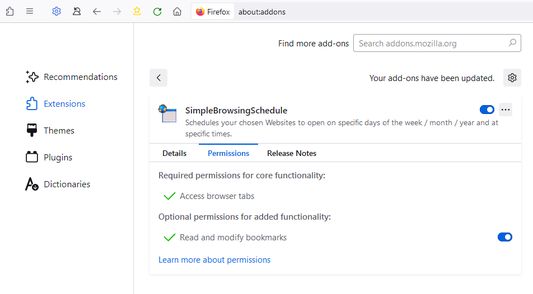
Schedules your chosen Websites to open on specific days of the week / month / year and at specific times. Useful for reminding yourself to check your favourite websites.
사용자 160명사용자 160명
확장 메타 데이터
스크린샷
정보
Each schedule can have up to twelve websites
Each schedule can have up to four different timetables labelled: 1) 2) 3) 4)
Each timetable can be set to Repeat: Daily, Weekly, Monthly or Annually
Each Repeat can be set to a time interval, for example: every 5 days or every 2 weeks or every 6 months
You can also:
- reload a website frequently throughout the day
- use the Catchup option in case you miss a scheduled website
- use the Startup option to allow you to open websites when the browser starts
- set an End Date for specifying when a schedule should cease
- disable a schedule temporarily
- temporarily suspend all schedules
- list all websites for the current day
- list all websites across all schedules
See support site for important information: https://simplebrowsingschedule.wordpress.com/support-and-feedback/
Each schedule can have up to four different timetables labelled: 1) 2) 3) 4)
Each timetable can be set to Repeat: Daily, Weekly, Monthly or Annually
Each Repeat can be set to a time interval, for example: every 5 days or every 2 weeks or every 6 months
You can also:
- reload a website frequently throughout the day
- use the Catchup option in case you miss a scheduled website
- use the Startup option to allow you to open websites when the browser starts
- set an End Date for specifying when a schedule should cease
- disable a schedule temporarily
- temporarily suspend all schedules
- list all websites for the current day
- list all websites across all schedules
See support site for important information: https://simplebrowsingschedule.wordpress.com/support-and-feedback/
19명이 3.4점으로 평가함
권한 및 데이터
추가 정보
- 부가 기능 링크
- 버전
- 0.51
- 크기
- 196.32 KB
- 마지막 업데이트
- 2년 전 (2024년 1월 22일)
- 버전 목록
- 모음집에 추가