Sleep Mode 제작자: matico
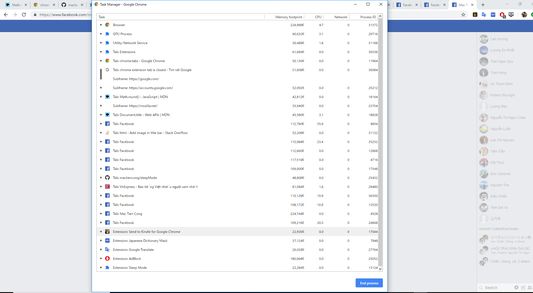
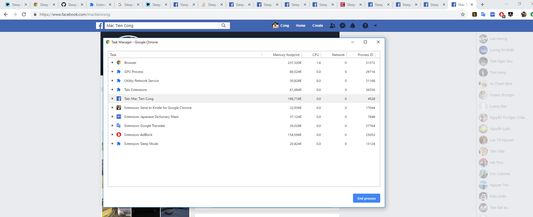
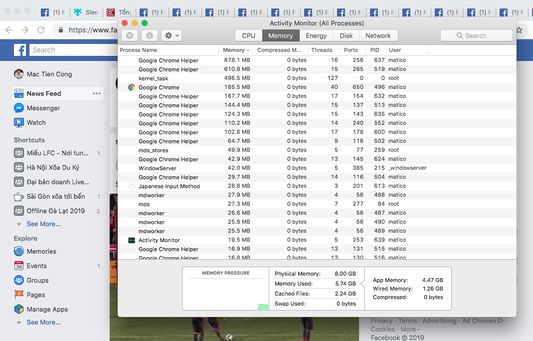
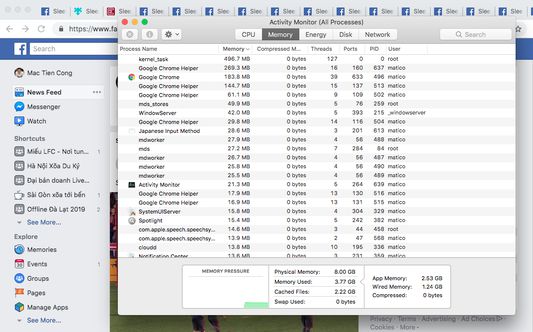
Sleep Mode will temporarily put all tabs to sleep mode for saving RAM memory, saving battery and make your computer/laptop faster.
사용자 786명사용자 786명
확장 메타 데이터
스크린샷
정보
Sleep Mode will temporarily put all tabs to sleep mode for saving RAM memory, saving BATTERY and make your computer/laptop FASTER.
But it still keep current working tab in normal mode. You still able to continue to work on this tab.
When you switch to other tab, this tab will be woke up to normal mode and previous tab will immediately set to sleep mode. Does not interrupt your work.
When open a sleeping tab, immediately it will be woke up to ready for working.
* Saving RAM memory
* Saving BATTERY
* Make your computer/laptop FASTER
* Allow setting (still alpha version)
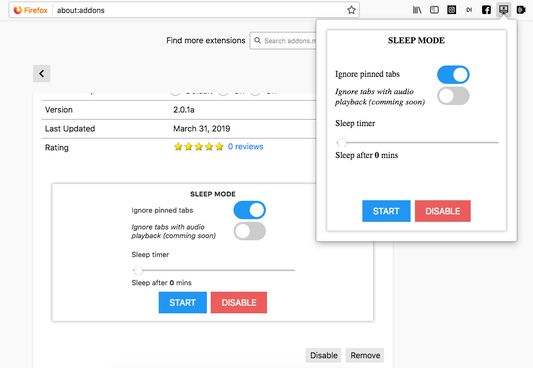
- Ignore pinned tabs
- Ignore tabs with audio playback (Youtube, ...)
- Ignore Google Docs and Office Online Tabs
- Sleep timer: sleep mode automatically will be actived after 0-100 mins
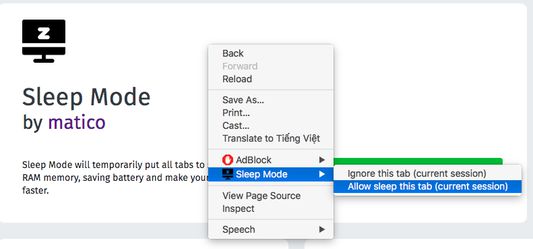
* Allow setting "Ignore this tab (current session)" and "Allow sleep this tab (current session)" on context menu (right click on tab page)
But it still keep current working tab in normal mode. You still able to continue to work on this tab.
When you switch to other tab, this tab will be woke up to normal mode and previous tab will immediately set to sleep mode. Does not interrupt your work.
When open a sleeping tab, immediately it will be woke up to ready for working.
* Saving RAM memory
* Saving BATTERY
* Make your computer/laptop FASTER
* Allow setting (still alpha version)
- Ignore pinned tabs
- Ignore tabs with audio playback (Youtube, ...)
- Ignore Google Docs and Office Online Tabs
- Sleep timer: sleep mode automatically will be actived after 0-100 mins
* Allow setting "Ignore this tab (current session)" and "Allow sleep this tab (current session)" on context menu (right click on tab page)
30명이 3.5점으로 평가함
권한 및 데이터
추가 정보
- 부가 기능 링크
- 버전
- 2.2.2
- 크기
- 1.74 MB
- 마지막 업데이트
- 6년 전 (2019년 11월 17일)
- 버전 목록
- 모음집에 추가