
TabSweeper 제작자: freekvdp
Close all the tabs that match the url(s) that you want, in a single click.
사용자 2명사용자 2명
확장 메타 데이터
스크린샷
정보
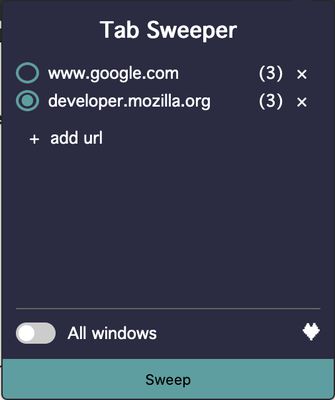
This add-on is meant to help people that tend to keep many tabs open. Say, you always open a new tab when you want to start a new search ("www.google.com" for example). Use this add-on to clear all the google.com tabs in one click.
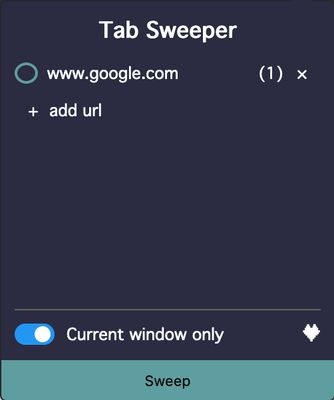
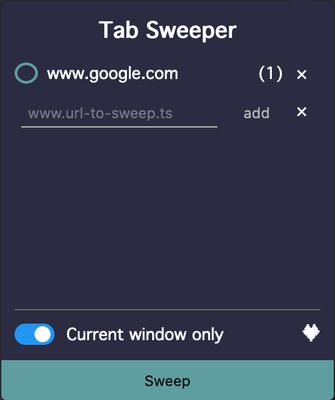
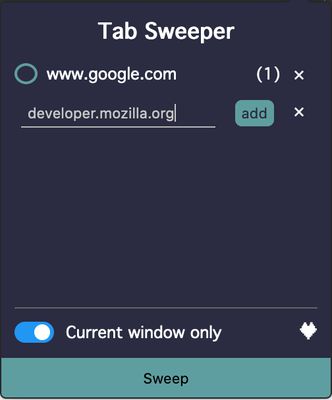
* Open the add-on window and add the url of the tabs that you want to close (www.google.com)
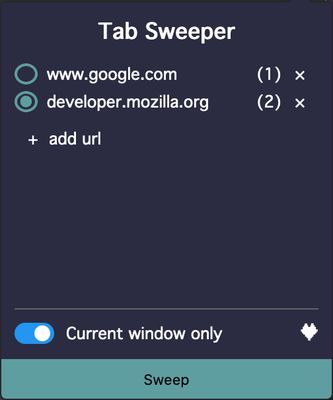
* The amount of currently opened tabs with that same url will show in the badge of the add-on icon.
* On the bottom of the page you get the option to clear the tabs of the window that's currently open or of all the windows of the browser.
* To Sweep (clear) the tabs, click on the Sweep-button on the bottom side of the page.
Tip: an url can be given without the subdomain (www). In case of google.com, not only www.google.com will be targeted but also "docs.google.com" or "translate.google.com". To avoid this, specify the subdomain ("www.google.com" instead of "google.com")
* Open the add-on window and add the url of the tabs that you want to close (www.google.com)
* The amount of currently opened tabs with that same url will show in the badge of the add-on icon.
* On the bottom of the page you get the option to clear the tabs of the window that's currently open or of all the windows of the browser.
* To Sweep (clear) the tabs, click on the Sweep-button on the bottom side of the page.
Tip: an url can be given without the subdomain (www). In case of google.com, not only www.google.com will be targeted but also "docs.google.com" or "translate.google.com". To avoid this, specify the subdomain ("www.google.com" instead of "google.com")
0명이 0점으로 평가함
권한 및 데이터
추가 정보
- 부가 기능 링크
- 버전
- 1.0.1
- 크기
- 82.33 KB
- 마지막 업데이트
- 5년 전 (2021년 2월 9일)
- 관련 카테고리
- 버전 목록
- 모음집에 추가