
TestCase Studio Pro 제작자: Sanjay Kumar | SelectorsHub Founder
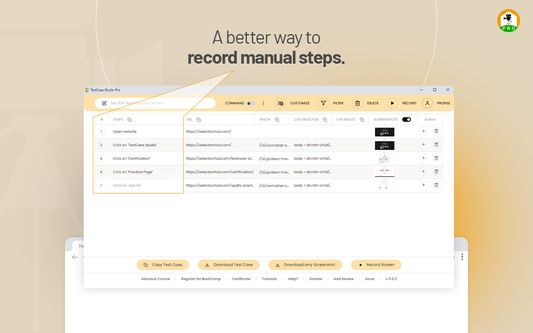
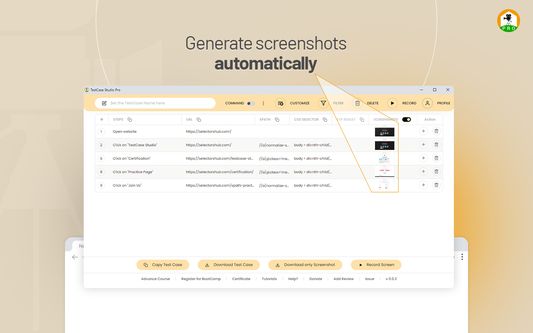
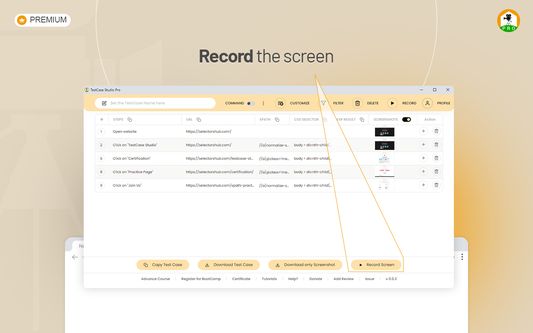
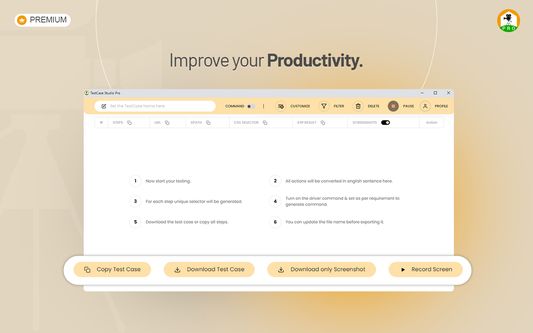
TestCase Studio Pro record the user actions performed on a web application in English Sentences. TestCase Studio Pro is a plugin to record the user actions performed on a web application along with screenshots and screen recording.
사용자 8명사용자 8명
확장 메타 데이터
스크린샷
정보
TestCase Studio Pro record the user actions performed on a web application in English Sentences.
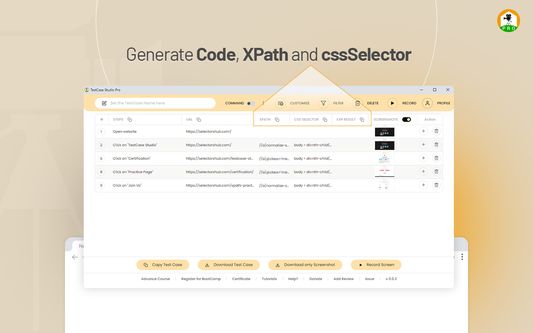
TestCase Studio Pro is a plugin to record the user actions performed on a web application along with screenshots and screen recording. User can save or copy these recorded steps and screenshots.
Please follow this video to get started and make the best use of it-
https://youtu.be/IZ6hQnNECyE
Very simple steps to get started with TestCase Studio Pro-
1- Add TestCase Studio Pro to your Firefox Browser.
2- Now pin the extension to tool bar in your browser.
3- Right click on TestCase Studio Pro logo and click on Manage Extension.
4- Click on Permissions and turn on the toggle for "Access your data for all websites".
This permission is required to record the steps, screenshot etc because without this permission extension can't record. Earlier with older version of firefox and manifest v2, it was by default 'on' but now by default it is off so we have to turn it on.
5- If you have already taken subscription on chrome then use same credential to login and no need to take subscription again for firefox.
If you don't have subscription then checkout the plans and take the Free trial from below link-
https://selectorshub.com/testcase-studio-pro/plans/
6- After taking a subscription you will get the login credentials.
7- Now Click on the TestCase Studio Pro logo in browser toolbar and here Login with the credentials which you have received in email after taking a subscription.
Wow!! You are all set, Enjoy using the Pro version and increase your productivity.
For any query please write us to support@selectorshub.com
TestCase Studio Pro is a plugin to record the user actions performed on a web application along with screenshots and screen recording. User can save or copy these recorded steps and screenshots.
Please follow this video to get started and make the best use of it-
https://youtu.be/IZ6hQnNECyE
Very simple steps to get started with TestCase Studio Pro-
1- Add TestCase Studio Pro to your Firefox Browser.
2- Now pin the extension to tool bar in your browser.
3- Right click on TestCase Studio Pro logo and click on Manage Extension.
4- Click on Permissions and turn on the toggle for "Access your data for all websites".
This permission is required to record the steps, screenshot etc because without this permission extension can't record. Earlier with older version of firefox and manifest v2, it was by default 'on' but now by default it is off so we have to turn it on.
5- If you have already taken subscription on chrome then use same credential to login and no need to take subscription again for firefox.
If you don't have subscription then checkout the plans and take the Free trial from below link-
https://selectorshub.com/testcase-studio-pro/plans/
6- After taking a subscription you will get the login credentials.
7- Now Click on the TestCase Studio Pro logo in browser toolbar and here Login with the credentials which you have received in email after taking a subscription.
Wow!! You are all set, Enjoy using the Pro version and increase your productivity.
For any query please write us to support@selectorshub.com
0명이 0점으로 평가함
권한 및 데이터
추가 정보