
Type to Search 제작자: Robbendebiene
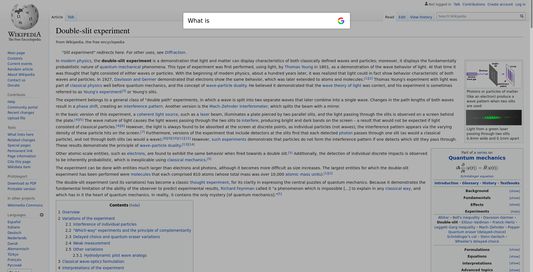
Your next web search is just a key away. Just type on your keyboard to open a search bar and search with one of your search engines.
사용자 4명사용자 4명
확장 메타 데이터
스크린샷
정보
How does it work?
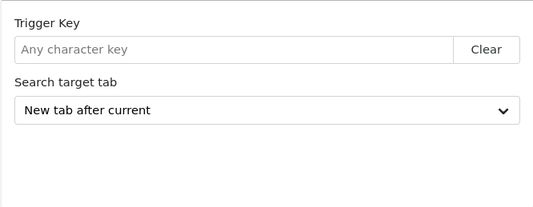
Whenever your caret is not positioned in any writeable input field, you can immeditly search with the Type to Search search bar by pressing any character key. Alternatively you can define a trigger key, to only open the search bar when this particular key is pressed.
Features:
Limitations:
Whenever your caret is not positioned in any writeable input field, you can immeditly search with the Type to Search search bar by pressing any character key. Alternatively you can define a trigger key, to only open the search bar when this particular key is pressed.
Features:
- Switch between your browser's search engines via up/down arrow keys, mouse wheel or by typing in keywords at the beginning of a search. Keywords can be assigned in the search section of the Firefox settings.
- Automatically appends the selected text (if any) to the current search. You can also press the enter key to open the search bar containing only the current text selection.
Limitations:
- Type to Search does not work on Mozilla related pages like [addons.mozilla.org](https://addons.mozilla.org), internal pages like about:addons or other add-on option pages (e.g. moz-extension://*). This is because Firefox restricts add-ons from accessing these pages for security reasons.
- The page must be partially loaded in order to use Type to Search.
5명이 5점으로 평가함
권한 및 데이터
추가 정보
- 부가 기능 링크
- 버전
- 1.0.1
- 크기
- 24.44 KB
- 마지막 업데이트
- 6년 전 (2020년 8월 6일)
- 관련 카테고리
- 버전 목록
- 모음집에 추가